
Customers & growth
Gift cards
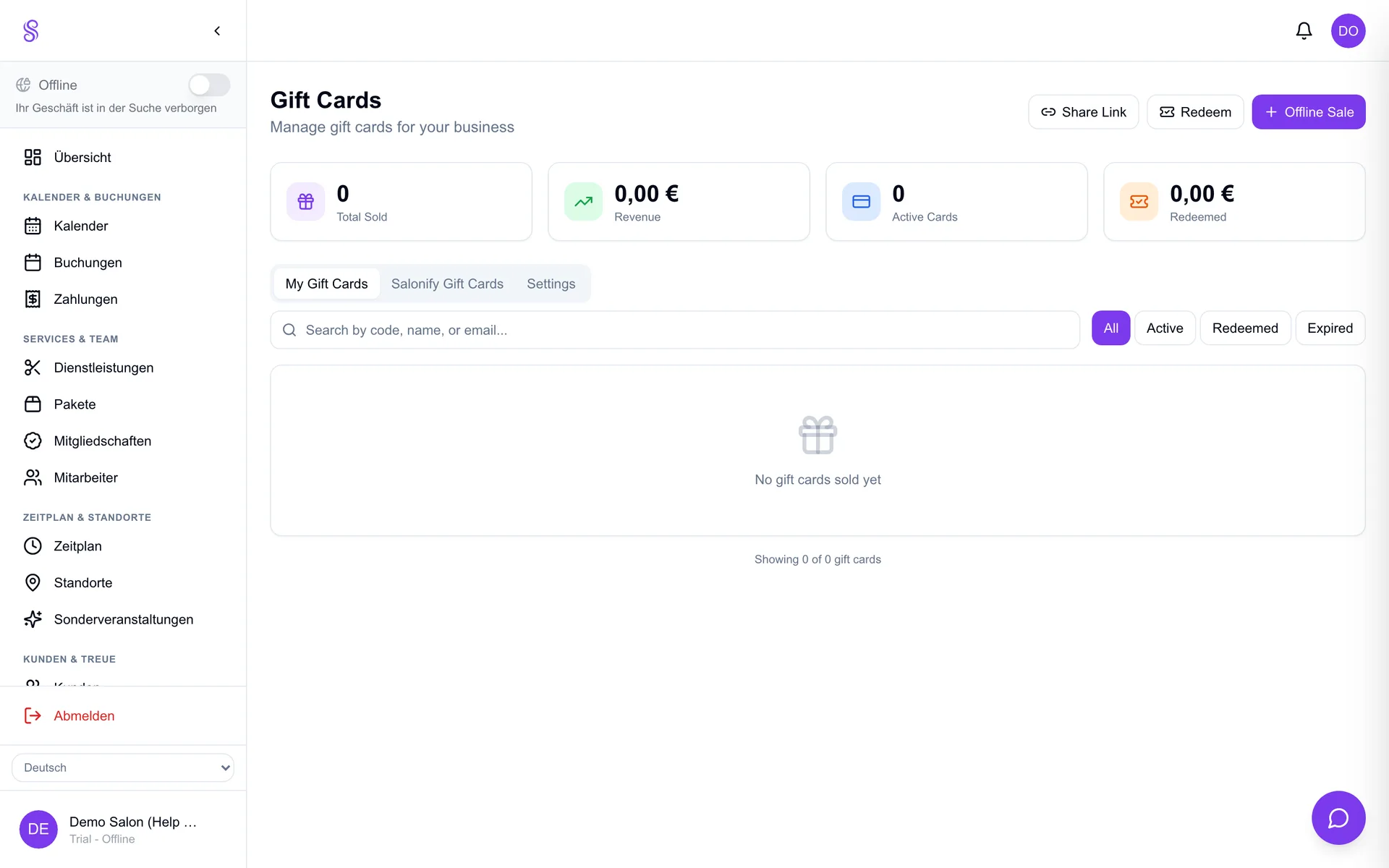
Sell gift cards online and in the POS, and let customers redeem the balance against bookings or products. They're prepaid revenue you bank today, and a reliable boost around holidays and birthdays when people buy beauty as a present.
▶Video tutorial
How to set it up
- 1
Enable gift cards
Open the Gift cards module in the dashboard.
- 2
Set denominations
Offer fixed amounts or let customers choose a custom value.
- 3
Sell online and in POS
Customers buy on your page; you can also sell one at the register.
- 4
Redeem the balance
Apply a gift card at checkout; the remaining balance carries over.
Good to know
- Gift cards are prepaid revenue banked immediately.
- Promote them before holidays for a sales bump.
- Balances carry over across multiple visits.